

[EHR] Automated 1-Click Sync
If EHR integrated, click the EHR button for syncing notes to your EHR.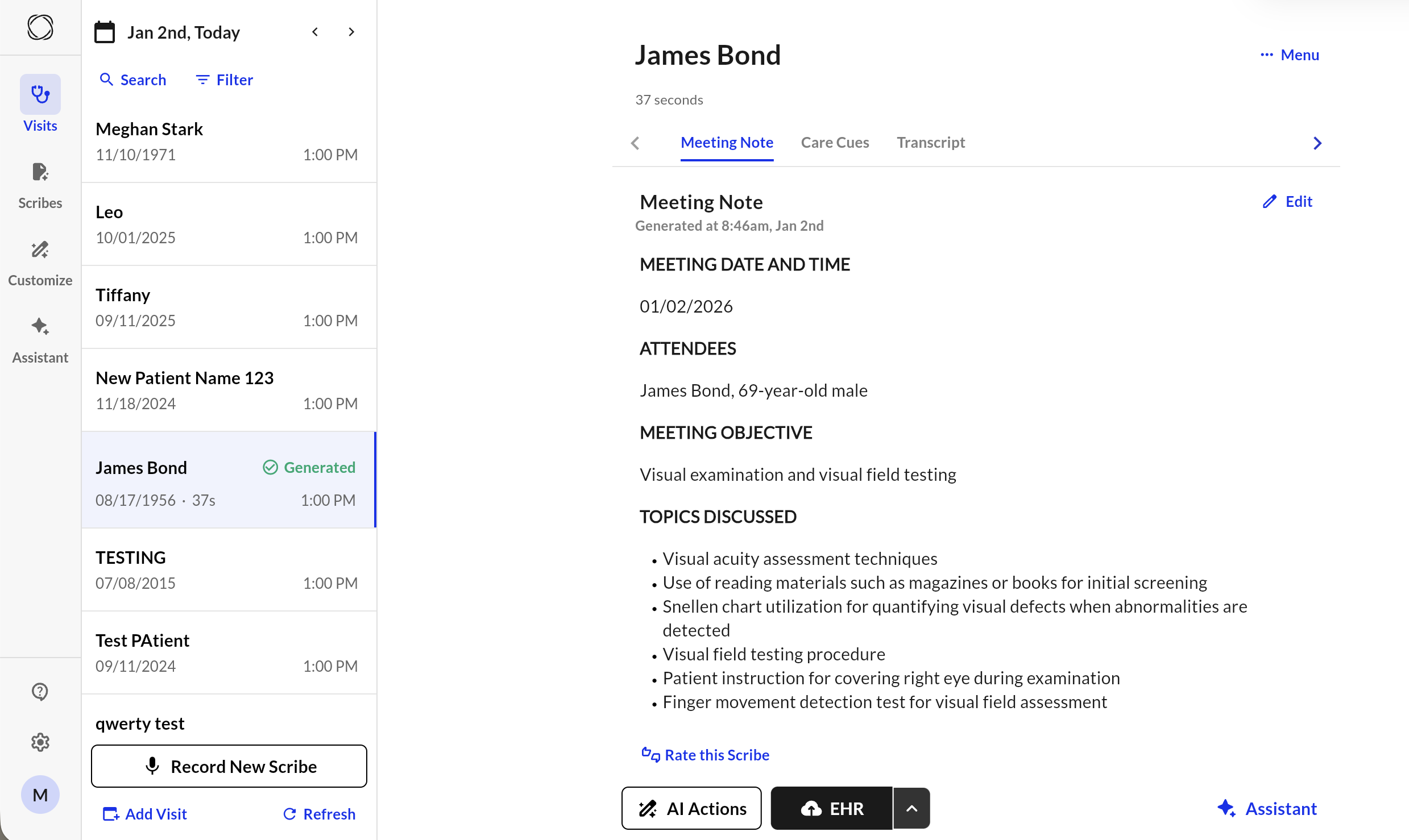
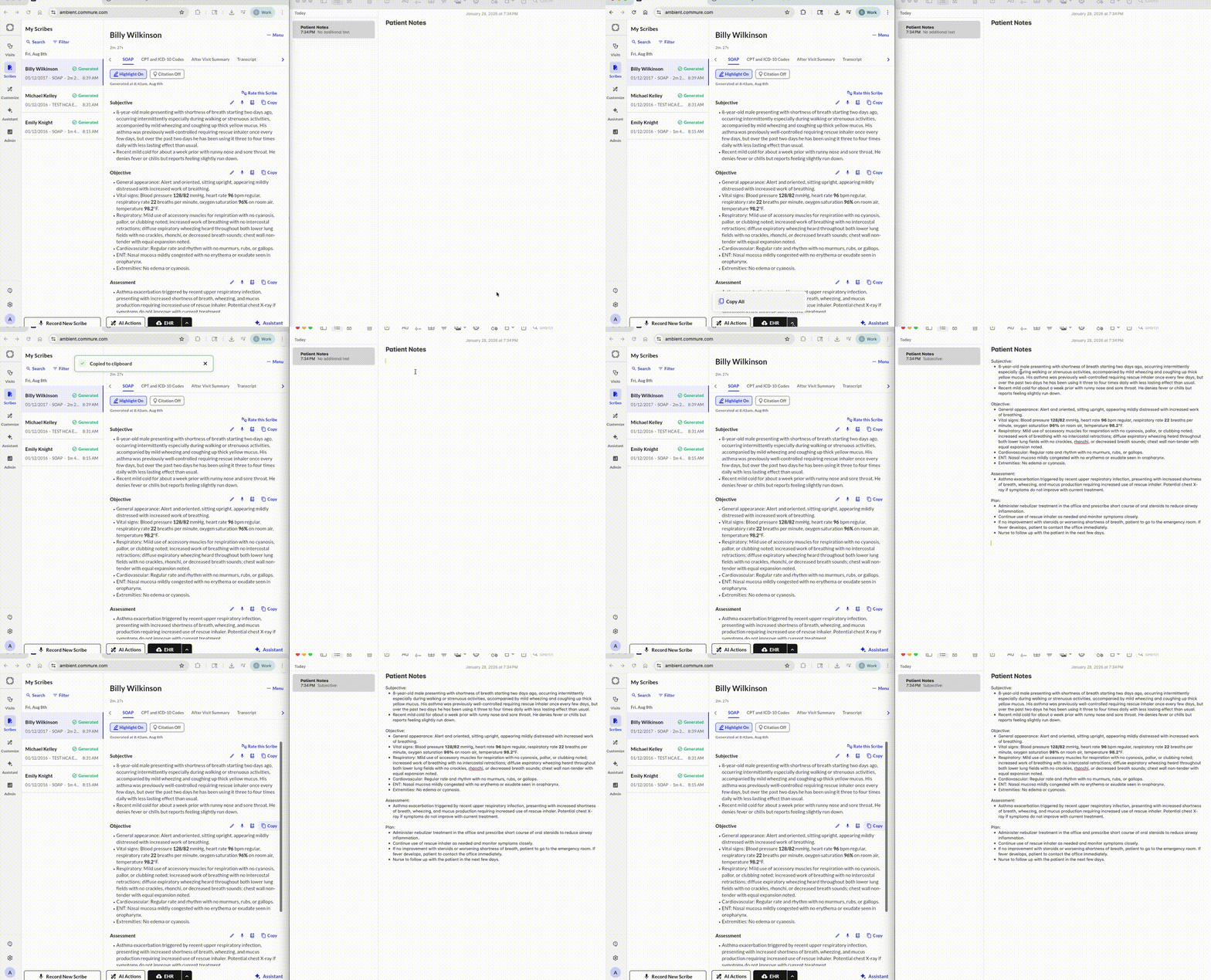
You can also perform manual copy paste actions !
Copy Paste
How to Transfer Your Note to Your EHR:- Open Commure Ambient on your device.
- Open the scribe you wish to transfer to your EHR system.
- Copy the note: a. Select the “Copy” button to copy the entire note. b. Manually select and copy the text.
- Paste the note into the patient’s record in your EHR.
Copy with Formating
Text copied can retain its rich formatting when pasted into editors like Google Docs or Apple Notes.
Supported EMRs
Commure Ambient supports integrations with the following EHR platforms:- AdvancedMD
- Axxess
- A2C
- Athena
- CareTracker
- ChiroTouch
- Clarity
- Clinicient
- CreliO
- CureMD
- Denial Appeal
- Dialogix
- DrChrono
- DrCloud EHR
- eClinicalWorks
- Elation
- Empower
- Epic
- Experity
- Gastro
- GEHRIMED
- Greenway Health
- Healthie
- HealthPAC
- HelloNote
- HENO
- I Know Med
- InSync
- Kareo
- LabXchange
- MDLand
- Medent
- Meditab
- Meditech
- Meditech Expanse/Expanse NOW
- Meditech Magic
- MedStreaming
- MediYeti
- ModMed
- Net Health
- NextGen
- Office Ally
- Phoenix
- PICASA
- Practice EHR
- Practice Fusion
- Praxis
- Prognocis
- Prompt
- RapidRAD
- SelfDocAIMR
- Springville SFTP
- Synergy
- TherapyNotes
- TheraOffice
- Unified Practice
- Valant
- WebPT