
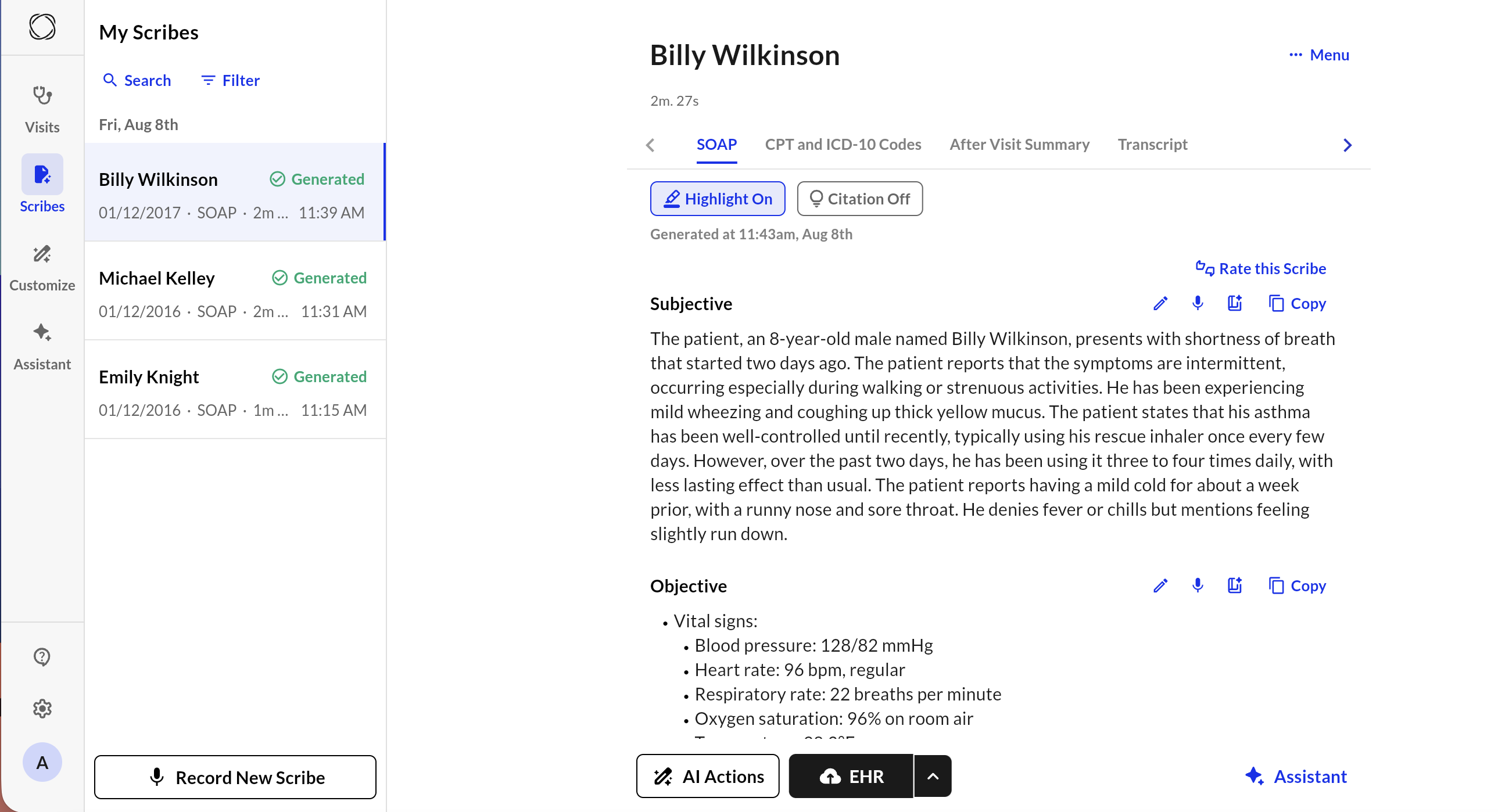
Search and filter
You can find a specific Scribe by clicking “Search” and then searching the patient name. Alternatively, you can filter based on date range, sorting, or status of the Scribe.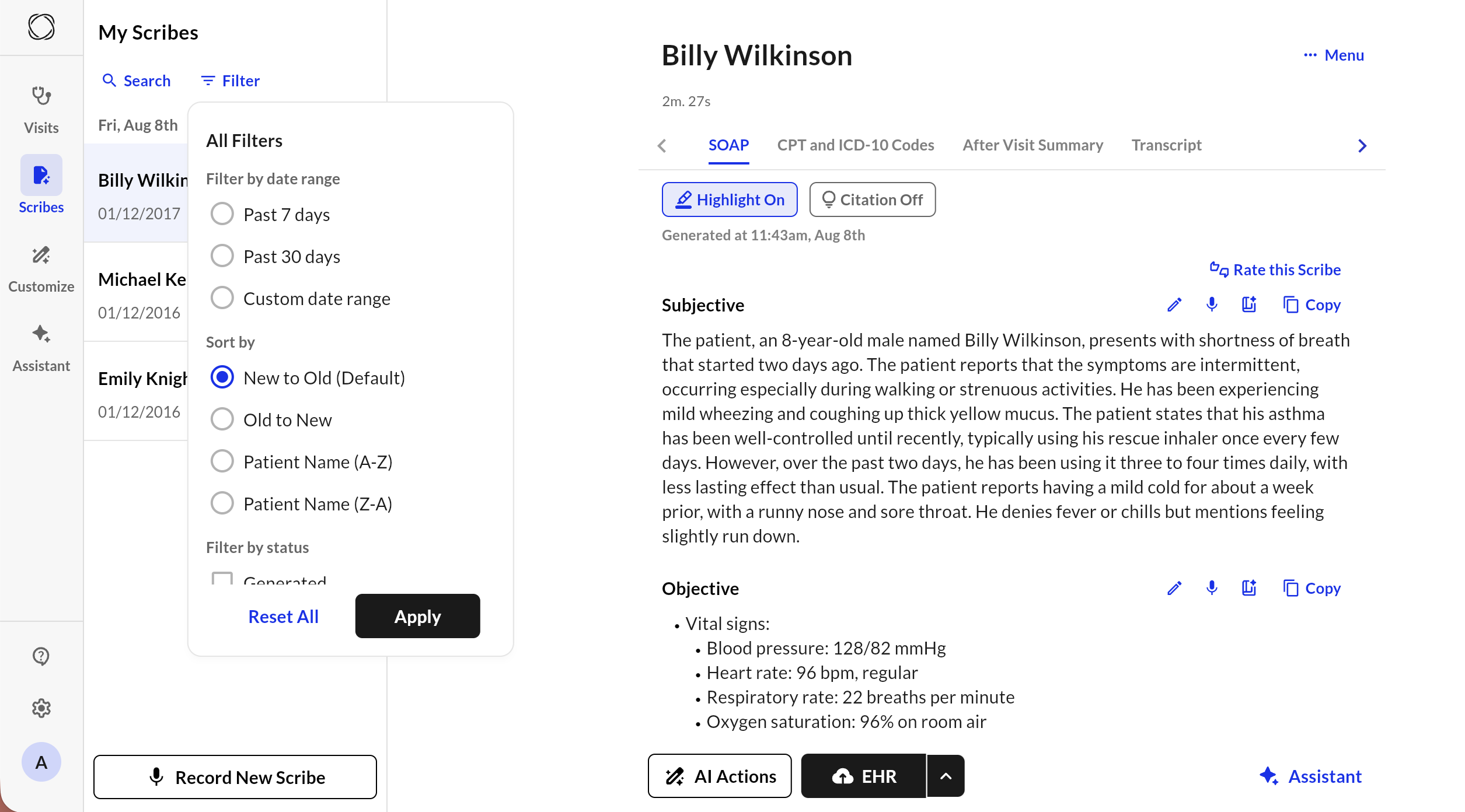
CPT and ICD 10 Codes
Tab Level: Commure Ambient can generate a list of CPT and ICD-10 codes based on what was discussed.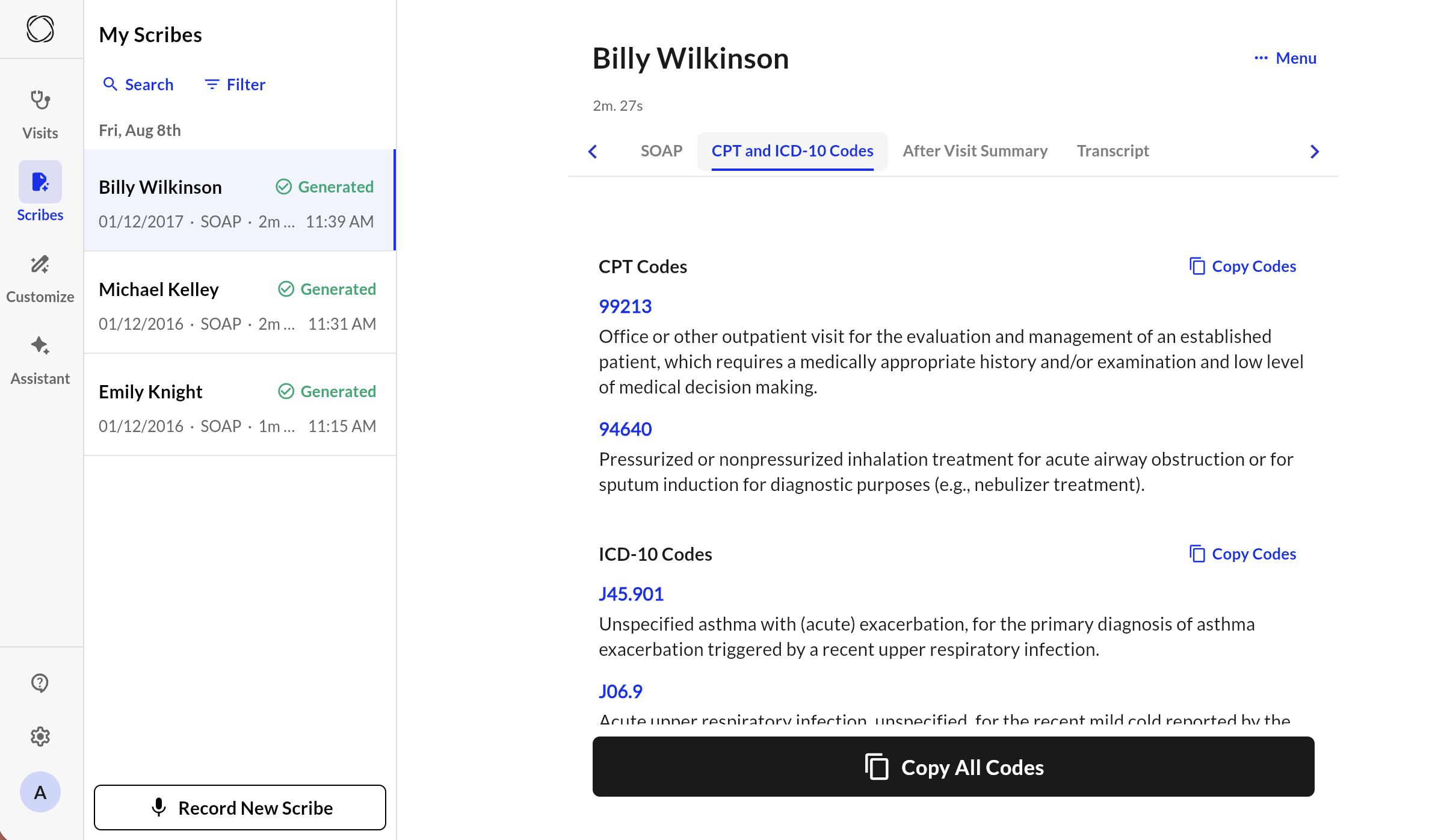
- Navigate the dropdown using the mouse or keystrokes to select and save the correct code.
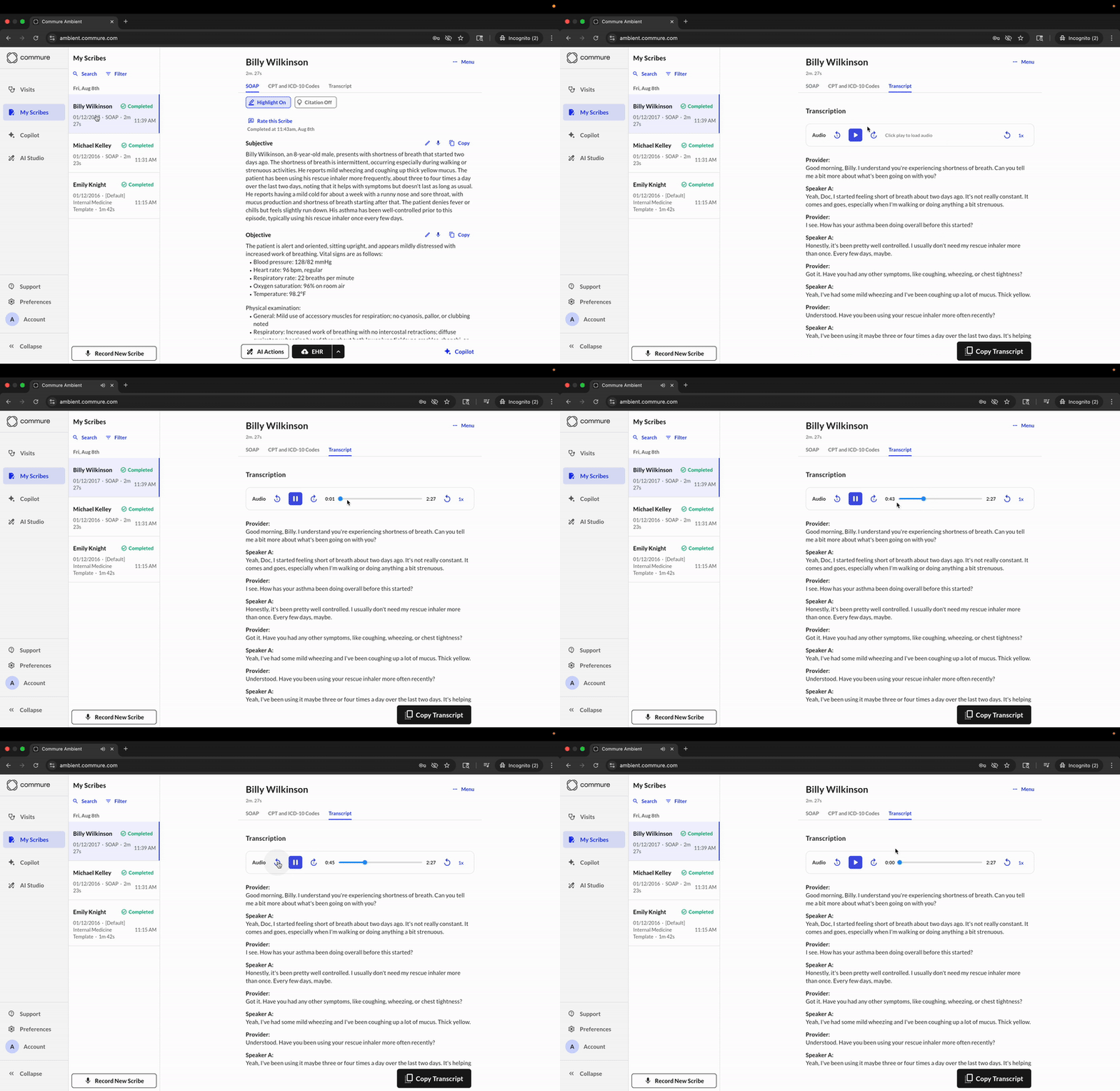
Transcript Tab
Transcripts are only visible to authorized users and are stored securely to comply with HIPAA and patient privacy standards.
Key Features
- Audio Playback Use the audio player at the top to listen to the visit in real time. Playback controls let you:
- Play/pause the recording
- Adjust playback speed
- Reload the audio
- Diarization
- Transcripts display speakers as Speaker 1, Speaker 2, etc. Each turn in the conversation is timestamp-aligned with the audio.
- Copy Transcript
- Click “Copy Transcript” to copy the entire transcript for external reference, EMR documentation, or follow-up.